Chasing unpaid invoices is one of the most draining parts of freelancing. You’ve delivered the work, sent the invoice, and now you’re stuck in an awkward limbo — waiting, wondering whether to follow up, and calculating how much the delay is costing you.
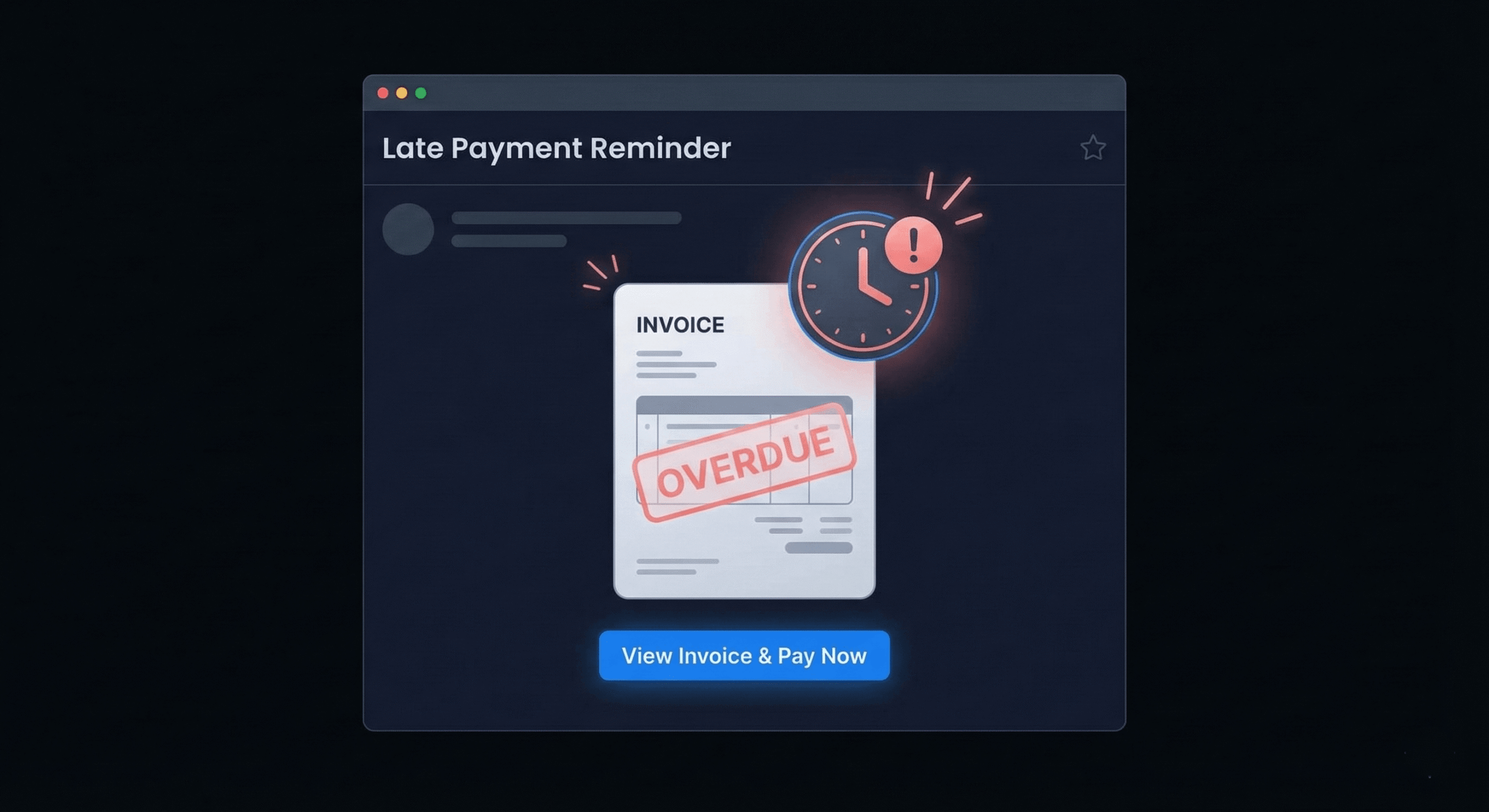
Having a late payment invoice email template ready to go eliminates the emotional friction of writing payment reminders from scratch every time. Instead of agonizing over tone and wording, you copy the appropriate template, personalize it in 30 seconds, and send.
This guide gives you 7 copy-and-paste email templates covering every stage of the payment follow-up cycle — from friendly pre-due-date reminders to formal final notices. Each template is designed to be professional, clear, and effective at getting you paid.
When to Send Payment Reminders (The Optimal Timeline)
Timing matters. Send too early and you seem pushy. Send too late and the client has already forgotten about your invoice. Here’s the timeline that consistently produces the best results, based on how top freelancers structure their payment collection workflow:
- 3 days before due date: Friendly heads-up reminder (Template 1)
- On the due date: Polite due-date notice (Template 2)
- 3 days after due date: First overdue reminder (Template 3)
- 7 days after due date: Second overdue reminder with late fee reference (Template 4)
- 14 days after due date: Formal overdue notice (Template 5)
- 21 days after due date: Final warning before escalation (Template 6)
- 30+ days after due date: Formal demand / last resort (Template 7)
The first three can be automated using your invoicing software. DevInvoice lets you schedule automatic reminders at each of these intervals, so most late payments resolve themselves without any manual effort.
Template 1: Friendly Reminder (3 Days Before Due Date)
Use this when: The invoice hasn’t been paid yet and the due date is approaching. Tone: Warm, helpful.
Subject: Friendly reminder — Invoice #[NUMBER] due on [DATE]
Hi [Client Name],
Just a quick heads-up that invoice #[NUMBER] for $[AMOUNT]
is due on [DUE DATE].
You can view and pay it directly here: [PAYMENT LINK]
If you’ve already sent the payment, please disregard
this message. Otherwise, let me know if you have any
questions about the invoice.
Thanks,
[Your Name]
Why this works: It’s non-confrontational, assumes good faith, and includes the payment link for one-click convenience. Most clients who receive this pay within 24–48 hours.
Template 2: Polite Due-Date Notice (Day of Due Date)
Use this when: Today is the due date and no payment has been received. Tone: Professional, direct.
Subject: Invoice #[NUMBER] is due today
Hi [Client Name],
This is a reminder that invoice #[NUMBER] for $[AMOUNT]
is due today, [DUE DATE].
For your convenience, here’s the direct payment link:
[PAYMENT LINK]
Payment can be made via credit card, debit card,
or bank transfer through the link above.
Please let me know if there’s anything you need from
my end to process this.
Best regards,
[Your Name]
Template 3: First Overdue Reminder (3 Days Past Due)
Use this when: The invoice is 3 days past due. Tone: Still polite, slightly more direct.
Subject: Overdue: Invoice #[NUMBER] — payment was due [DATE]
Hi [Client Name],
I wanted to follow up on invoice #[NUMBER] for $[AMOUNT],
which was due on [DUE DATE]. I haven’t received payment
yet, and wanted to check if there are any issues or
questions I can help with.
Here’s the payment link: [PAYMENT LINK]
If you’ve already processed the payment, thank you —
sometimes bank transfers take a few days to clear on
my end.
Thanks for your attention to this.
[Your Name]
Template 4: Second Overdue Reminder with Late Fee Reference (7 Days Past Due)
Use this when: The invoice is 7 days overdue and the first reminder was ignored. Tone: Firm but professional.
Subject: Action needed: Invoice #[NUMBER] is 7 days overdue
Hi [Client Name],
I’m following up regarding invoice #[NUMBER] for
$[AMOUNT], which was due on [DUE DATE] and is now
7 days past due.
As outlined in our agreement, a late fee of [X]% per
month will apply to invoices overdue by more than
[GRACE PERIOD] days. I’d like to resolve this before
any additional charges are incurred.
Please process the payment at your earliest convenience:
[PAYMENT LINK]
If there’s a reason for the delay, I’m happy to discuss.
Regards,
[Your Name]
Why this works: It introduces the late fee without being aggressive. The phrase “I’d like to resolve this before additional charges” positions the late fee as something happening to the situation, not something you’re doing to the client.
Template 5: Formal Overdue Notice (14 Days Past Due)
Use this when: Two weeks overdue, previous emails unanswered. Tone: Formal, businesslike.
Subject: OVERDUE: Invoice #[NUMBER] — 14 days past due
Dear [Client Name],
This is a formal notice regarding invoice #[NUMBER]
in the amount of $[AMOUNT], issued on [INVOICE DATE]
with a due date of [DUE DATE]. The invoice is now
14 days past due.
I’ve sent reminders on [dates of previous reminders]
and have not received a response.
Per our agreement, a late fee of [X]% has been applied,
bringing the total to $[NEW TOTAL].
Please process payment immediately: [PAYMENT LINK]
If there is a dispute or issue with the invoice, please
contact me directly so we can resolve it promptly.
Sincerely,
[Your Name]
[Your Business Name]
Template 6: Final Warning Before Escalation (21 Days Past Due)
Use this when: Three weeks overdue, no response to previous emails. Tone: Serious, professional.
Subject: Final notice: Invoice #[NUMBER] — immediate
payment required
Dear [Client Name],
This is my final notice regarding the outstanding
balance of $[AMOUNT + LATE FEES] for invoice #[NUMBER],
originally due on [DUE DATE].
Despite multiple reminders sent on [dates], I have not
received payment or a response.
If payment is not received within 7 days of this notice,
I will need to explore additional collection measures,
which may include suspending any ongoing work and
engaging a collections service.
I would prefer to resolve this directly. Please process
payment here: [PAYMENT LINK]
Or contact me to discuss a payment arrangement.
Sincerely,
[Your Name]
[Your Business Name]
[Phone Number]
Template 7: Formal Demand Letter (30+ Days Past Due)
Use this when: 30+ days overdue, all other attempts exhausted. Tone: Formal, legal-adjacent. Consider having a lawyer review before sending.
Subject: Formal demand for payment — Invoice #[NUMBER]
Dear [Client Name],
This letter serves as a formal demand for payment of
the outstanding balance of $[TOTAL WITH FEES] for
invoice #[NUMBER], issued on [DATE] for [DESCRIPTION
OF SERVICES].
Payment was due on [DUE DATE] and is now [X] days
overdue. Previous reminders were sent on [dates]
without response.
If full payment is not received within 10 business
days of this notice, I reserve the right to pursue
all available legal remedies, including but not limited
to filing in small claims court and engaging a
professional collections agency.
Please remit payment to: [PAYMENT DETAILS]
I remain open to resolving this matter directly.
[Your Full Legal Name]
[Your Business Name]
[Address]
[Phone] | [Email]
Email Best Practices for Payment Follow-Ups
- Always include the invoice number and amount. The client may have multiple invoices from various vendors. Make it impossible to confuse yours with someone else’s.
- Include the payment link in every email. Don’t make the client dig through old emails to find it. One click to pay, every time.
- Keep a paper trail. Send every reminder via email (not just Slack or text) so you have a documented record of all communications.
- Escalate tone gradually. Start friendly, get firmer, end formal. Jumping straight to a threatening tone burns relationships unnecessarily.
- Reference your agreement. Mentioning “per our agreement” or “as outlined in our contract” adds weight to your request without being aggressive.
- Don’t apologize for following up. You delivered work and deserve payment. Phrases like “Sorry to bother you” undermine your position.
- Automate the first three touchpoints. Use DevInvoice or your invoicing tool to send Templates 1–3 automatically. Only write manual emails for Templates 4+.
How to Automate Payment Reminders with DevInvoice
Manually sending follow-up emails is time-consuming and easy to forget. DevInvoice lets you set up automated payment reminders that send at your chosen intervals — before the due date, on the due date, and after the due date.
Here’s how to set it up:
- Go to your DevInvoice dashboard and navigate to Settings > Payment Reminders
- Enable automatic reminders and set your preferred schedule (e.g., 3 days before, due date, 3 days after, 7 days after)
- Customize the email template text for each touchpoint
- Save — reminders will now send automatically for every invoice you create
Combined with Stripe payment links embedded in every invoice, this automated workflow resolves the vast majority of late payments without any manual effort from you.