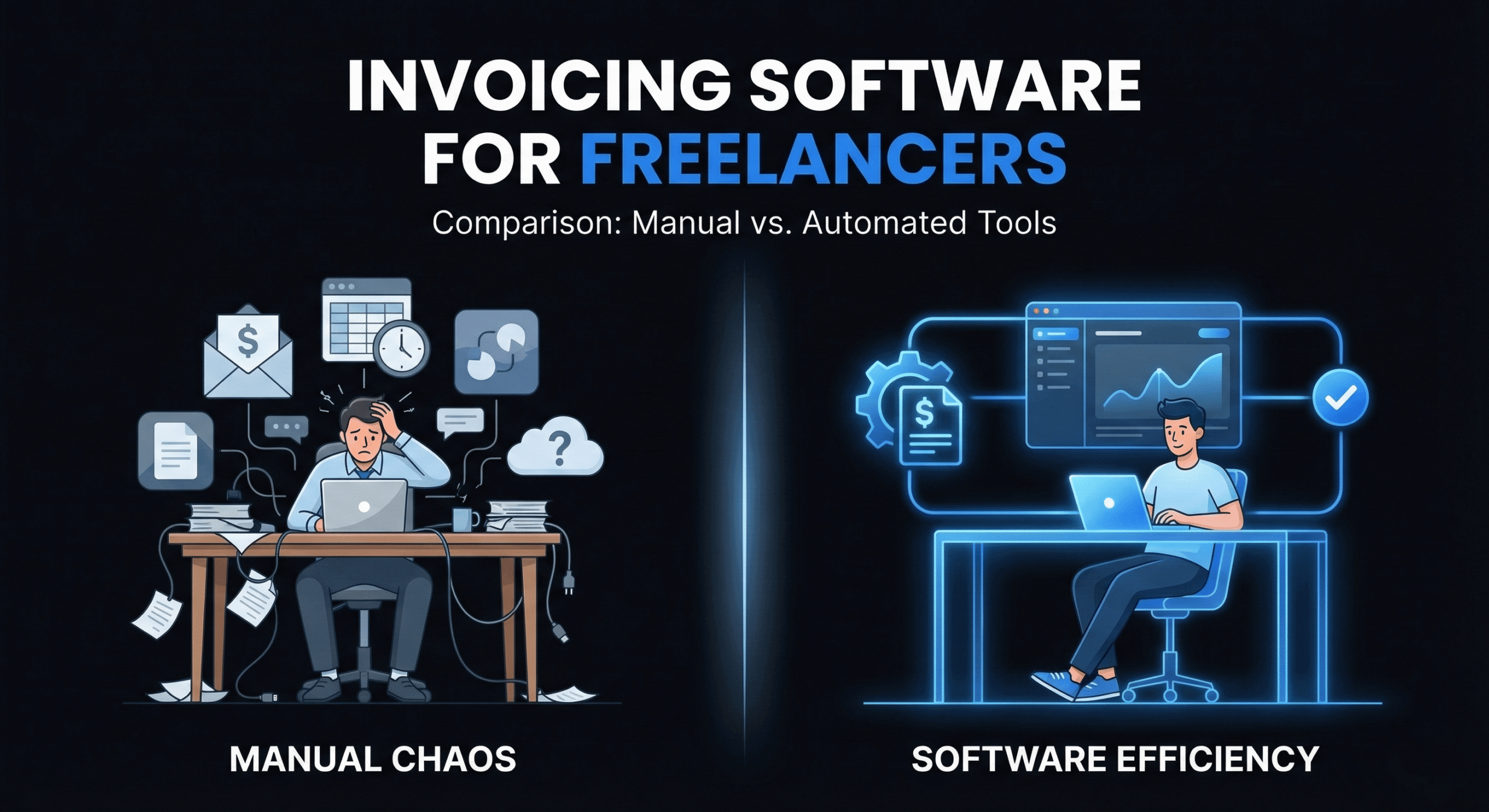
Choosing the right invoicing software for freelancers is one of the highest-leverage decisions you can make for your business. The wrong tool wastes your time with clunky interfaces and missing features. The right one handles billing automatically so you can focus on client work.
The freelancer invoicing software market is valued at over $446 million and growing at 5.3% annually — which means there are more options than ever. That’s great for competition, but overwhelming when you’re trying to pick one.
We’ve tested and compared the most popular invoicing tools available in 2026, evaluated them on what actually matters to freelancers (speed, payment integration, pricing, and developer-friendliness), and ranked them below. Whether you’re a solo developer, designer, or consultant, this guide will help you pick the right fit.
What to Look For in Freelance Invoicing Software
Before diving into specific tools, here’s the checklist we used to evaluate each platform:
- Speed to first invoice: How fast can you go from sign-up to sending your first invoice? Anything over 5 minutes is too slow.
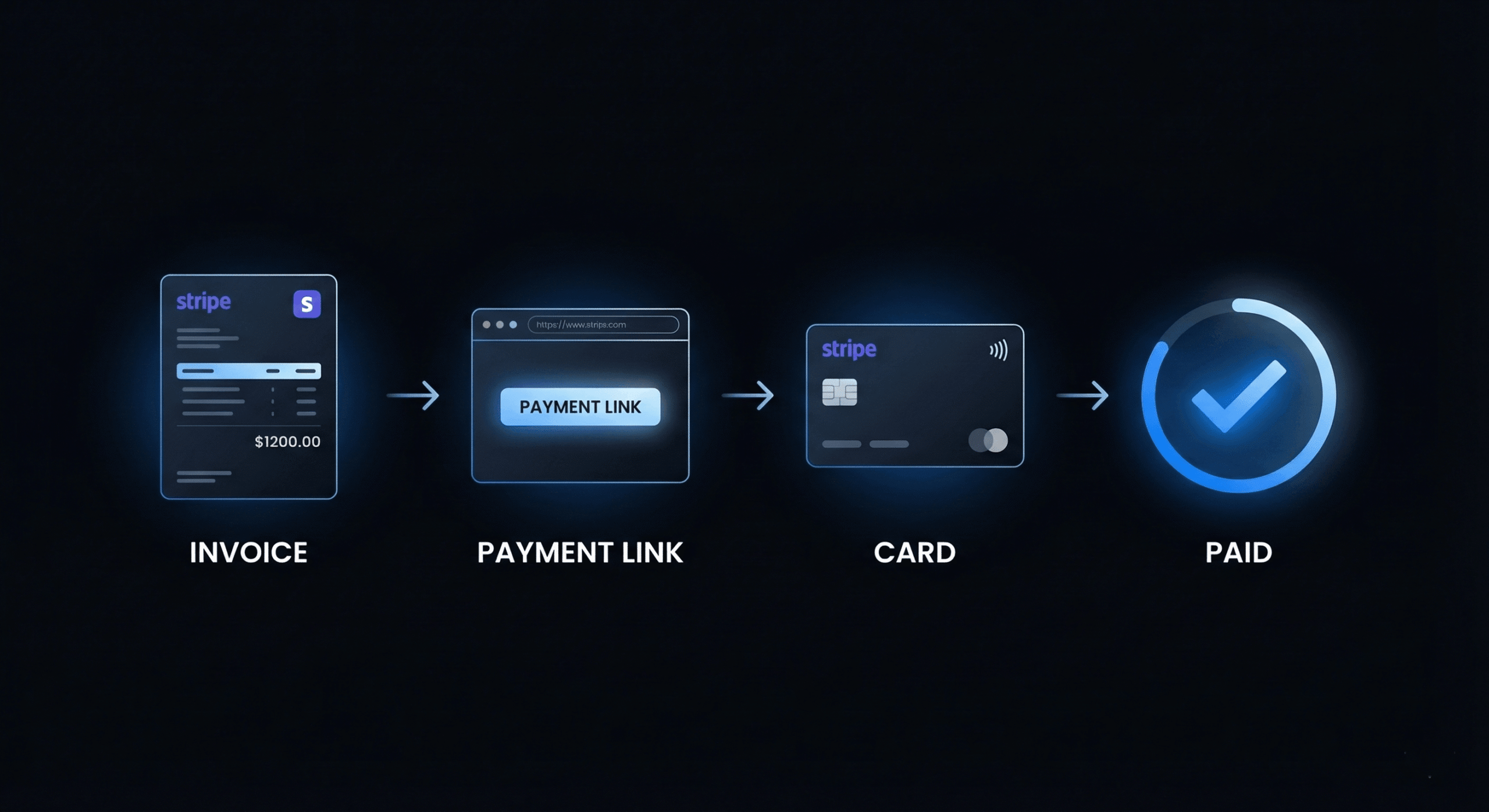
- Payment integration: Does it support Stripe, PayPal, or direct bank transfers so clients can pay from the invoice?
- Free tier quality: What can you actually do for free? Some tools advertise “free” but limit you to 5 invoices per month.
- Recurring invoices: Essential for retainer clients. If the tool doesn’t support automated recurring billing, you’ll waste time every month.
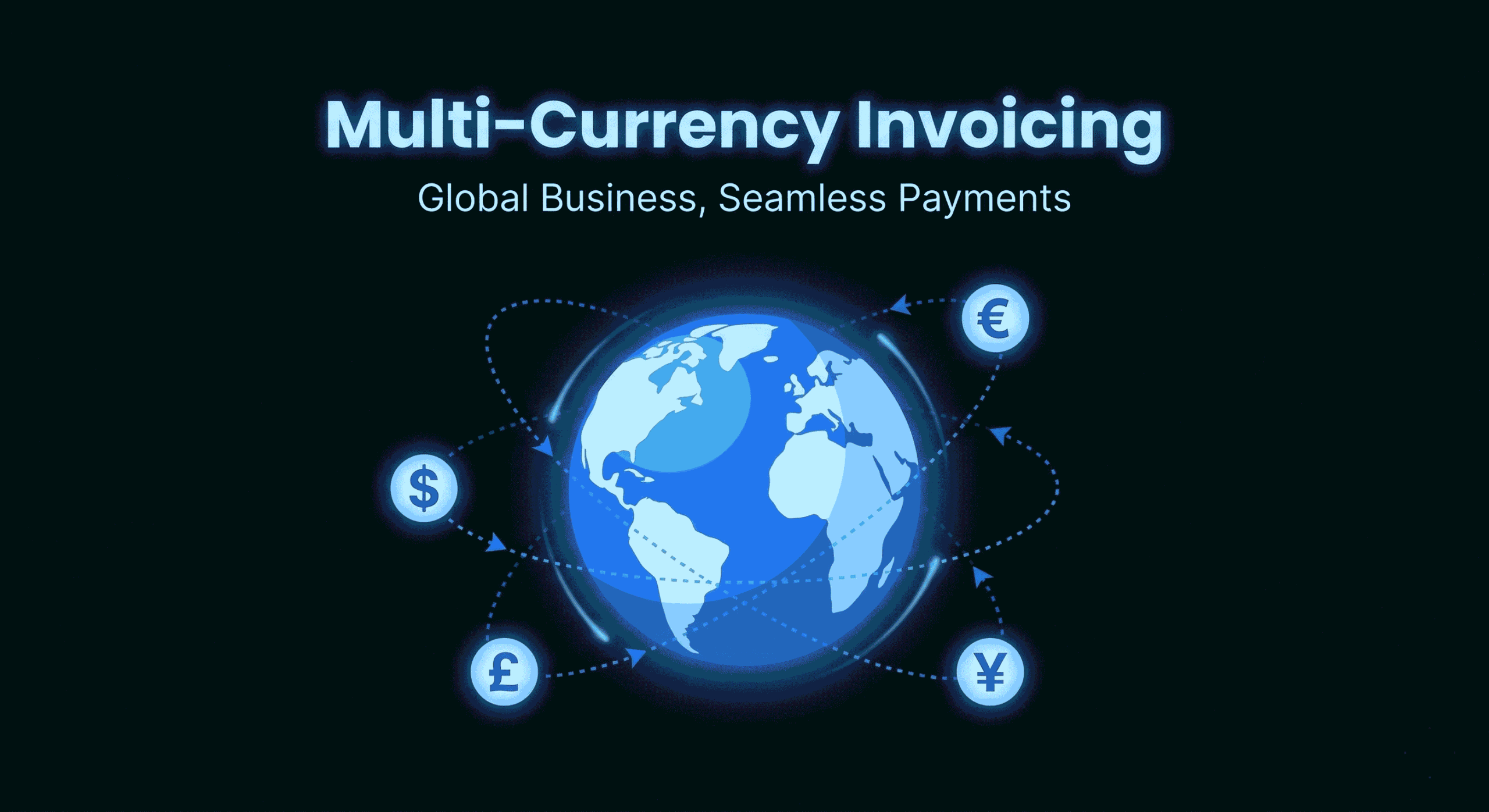
- Multi-currency: If you have international clients, you need to invoice in their currency without manual conversion.
- Tax handling: Automatic tax calculation for your jurisdiction, with support for multiple tax rates.
- Mobile access: Can you create and send invoices from your phone? For freelancers on the go, this matters.
- Client management: Saved client details, invoice history, and payment tracking in one dashboard.
The 7 Best Invoicing Tools for Freelancers in 2026
1. DevInvoice — Best for Developers and Tech Freelancers
DevInvoice is purpose-built for developers, designers, and technical freelancers who want a fast, modern invoicing experience without the bloat of traditional accounting software.
- Free plan: Up to 3 clients, 10 invoices, task management, PDF export & email delivery, email notifications
- Pro plan: $2.99/month — recurring invoices, advanced reporting, priority support
- Payments: Stripe integration (credit card, debit, bank transfer)
- Standout features: Asana integration for task-to-invoice conversion, multi-currency support, dark-mode UI, mobile-optimized dashboard
Best for: Freelance developers, web agencies, and tech consultants who want invoicing that fits their workflow — not the other way around.
2. Wave — Best Free All-In-One for Beginners
Wave offers one of the most generous free plans in the invoicing space. It combines invoicing with basic accounting, expense tracking, and receipt scanning — all at no cost.
- Free plan: Unlimited invoices, basic accounting, bank connections, receipt scanning
- Payments: Stripe and PayPal (transaction fees apply: ~2.9% + $0.60)
- Limitations: No project management, limited customization, no Asana/PM tool integration
Best for: Solo freelancers just starting out who need simple invoicing paired with basic bookkeeping.
3. FreshBooks — Best for Client-Facing Professionals
FreshBooks is a polished invoicing and accounting platform with a strong focus on user experience and client interaction. Its invoices look professional out of the box.
- Pricing: Starts at $19/month (Lite plan, 5 billable clients)
- Payments: Stripe, PayPal, bank transfer, credit card
- Standout features: Time tracking, proposals, client portals, expense management
- Limitations: No free plan (only 30-day trial), per-client pricing can get expensive
Best for: Consultants, creative agencies, and service professionals who need polished invoices and strong client-facing features.
4. Zoho Invoice — Best Free Option for Multi-Currency
Zoho Invoice is a robust free invoicing tool with strong multi-currency and multi-language support. It integrates deeply with the broader Zoho ecosystem.
- Free plan: Full-featured invoicing, time tracking, project management, expense tracking
- Payments: Stripe, PayPal, Authorize.net, and others
- Limitations: Interface can feel cluttered, Zoho branding on free-tier invoices
Best for: Freelancers with international clients who need multi-currency support without paying anything.
5. Invoice Ninja — Best Open-Source Option
Invoice Ninja is an open-source invoicing platform that offers a generous free tier and the option to self-host for complete data control.
- Free plan: Up to 100 clients, unlimited invoices, product library
- Pro plan: $10/month (or self-host for free)
- Standout features: Open-source, self-hosting option, extensive API, Kanban task boards
- Limitations: UI is functional but not modern, learning curve for self-hosting
Best for: Developers who want full control over their invoicing data and infrastructure.
6. Moxie — Best All-In-One Freelance Platform
Moxie (formerly known as Mason) is an all-in-one freelance business management platform that bundles invoicing with contracts, proposals, project management, and accounting.
- Pricing: Starts at $16/month
- Standout features: Contracts, proposals, time tracking, client portal, invoicing, and accounting in one tool
- Limitations: No free plan, can be overwhelming if you only need invoicing
Best for: Freelancers who want one platform for everything — from proposals to payment collection.
7. Harvest — Best for Time-Based Billing
Harvest excels at time tracking with invoicing as a natural extension. If your billing is primarily hourly, Harvest makes the time-to-invoice pipeline seamless.
- Free plan: 1 seat, 2 projects
- Pro plan: $10.80/seat/month
- Standout features: Best-in-class time tracking, Asana/Trello/Slack integrations, automatic invoice generation from tracked time
- Limitations: Not ideal for fixed-price projects, limited customization on free tier
Best for: Freelancers who bill hourly and need tight time-tracking integration.
Side-by-Side Comparison Table
| Tool | Starting Price | Free Plan? | Stripe | Recurring | Best For |
| DevInvoice | $0 (Pro $2.99/mo) | Yes | Yes | Pro | Developers |
| Wave | $0 | Yes | Yes | Yes | Beginners |
| FreshBooks | $19/mo | Trial only | Yes | Yes | Consultants |
| Zoho Invoice | $0 | Yes | Yes | Yes | International |
| Invoice Ninja | $0 (Pro $10) | Yes | Yes | Yes | Self-hosters |
| Moxie | $16/mo | No | Yes | Yes | All-in-one |
| Harvest | $0 (Pro $10.80) | Limited | No | Yes | Hourly billing |
How to Choose the Right Tool for Your Workflow
The “best” invoicing software depends entirely on your specific situation. Here’s a quick decision framework:
- You’re a developer or tech freelancer: DevInvoice — built for your workflow with Asana integration, dark mode, and developer-first design.
- You’re just starting out and need free everything: Wave — the most generous free tier with accounting included.
- You bill hourly and need time tracking: Harvest — best time-to-invoice pipeline in the market.
- You work with international clients: Zoho Invoice — strongest multi-currency and multi-language support at no cost.
- You want one tool for your entire business: Moxie — proposals, contracts, invoicing, and accounting in one platform.
- You want full data control: Invoice Ninja — open-source with self-hosting option.
Frequently Asked Questions
What is the best free invoicing software for freelancers?
For developers and tech freelancers, DevInvoice offers a generous free plan with 10 invoices, 3 clients, task management, and PDF export — upgrade to Pro ($2.99/month) for unlimited invoices, unlimited clients, and Stripe payment links. For general freelancers who also need accounting, Wave is the strongest free option.
Do I really need invoicing software, or can I use Excel?
You can technically invoice with Excel, but you lose payment tracking, automatic tax calculations, payment links, and professional formatting. Most freelancers find that switching to dedicated software saves 5–10 hours per month and significantly reduces late payments.
Can I switch invoicing tools later?
Yes. Most tools allow you to export your invoice history as CSV or PDF. The transition is usually painless — just update your templates and migrate your client list.
How much should I expect to pay for invoicing software?
Quality invoicing tools range from $0 (free tiers like DevInvoice, Wave, Zoho Invoice) to $19–$50/month for full-featured platforms like FreshBooks and QuickBooks. For most solo freelancers, a free or $9–$15/month tool is more than enough.
Start Invoicing Smarter Today
The best invoicing software for freelancers is the one that fits your workflow, saves you time, and helps you get paid faster. For developers and tech professionals, DevInvoice delivers exactly that — with a free plan that doesn’t hold you back.