If you use Asana to manage client projects, you already have a detailed record of every task, milestone, and hour logged. But when it’s time to invoice, most freelancers manually recreate all that information — copying task names, recalculating hours, and formatting line items by hand. It’s tedious, error-prone, and eats into the time you should be spending on billable work.
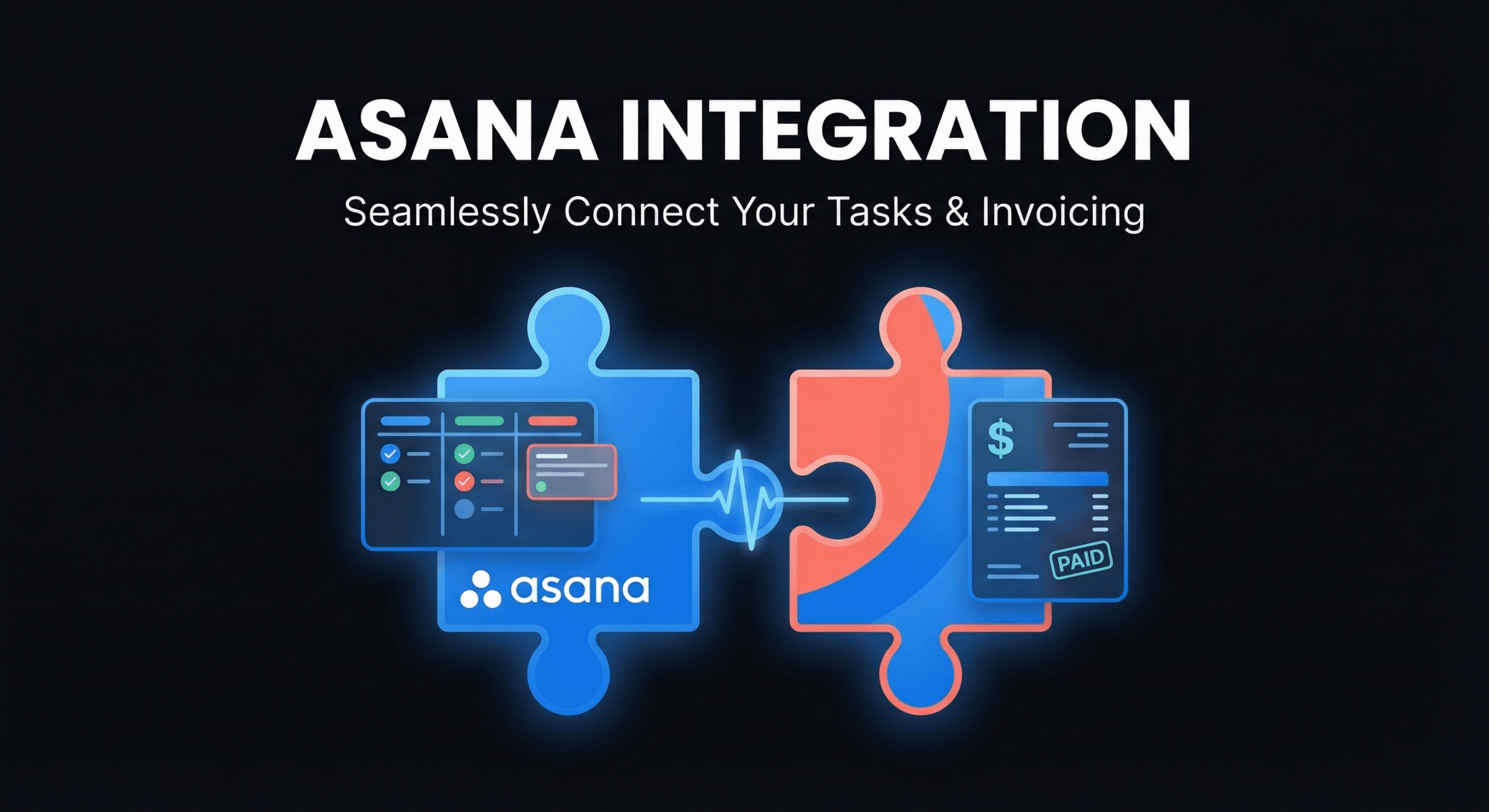
An Asana invoicing integration bridges this gap by pulling task data directly from your Asana projects into your invoicing tool. The result: accurate invoices generated in minutes, not hours, with every billable task and time entry accounted for.
This guide covers the complete workflow for connecting Asana to your invoicing process: what data flows between systems, how to set it up, and the best practices that keep your billing accurate and your clients happy.
Why Connect Asana to Your Invoicing Tool?
The gap between project management and invoicing is one of the most common sources of revenue leakage for freelancers and agencies. Here’s what an Asana invoicing integration solves:
- Eliminates manual data entry: Task names, descriptions, and time tracked in Asana flow directly into invoice line items. No retyping.
- Captures every billable hour: When time tracking happens inside Asana, nothing falls through the cracks. Every minute is captured and ready to bill.
- Reduces invoice errors: Automated data transfer means no typos, missed tasks, or calculation mistakes that trigger client questions and payment delays.
- Speeds up invoicing: Instead of spending 30–60 minutes building an invoice from memory and notes, you generate it in 2–3 minutes from your Asana data.
- Creates a clear audit trail: Every line item on the invoice maps back to a specific Asana task, making it easy to justify charges if a client asks.
How the Asana-to-Invoice Workflow Works
Here’s the typical workflow for turning Asana project data into a client invoice:
Step 1: Track Work in Asana
Use Asana’s native task management to break your project into tasks and subtasks. Assign estimated hours, track actual time spent, and mark tasks as complete as you work through the project.
Step 2: Log Time Against Tasks
Use Asana’s time tracking features (or a connected time tracker like Everhour, Harvest, or TMetric) to log hours against each task. Be specific — “Frontend: Product page responsive layout (2.5 hrs)” is far better than “Development (2.5 hrs)” for invoice clarity.
Step 3: Review Billable vs. Non-Billable
Before generating the invoice, review your logged time and mark tasks as billable or non-billable. Internal meetings, learning time, and rework due to your own errors are typically non-billable. Client-requested changes, development, and testing are billable.
Step 4: Generate Invoice from Asana Data
In DevInvoice, connect your Asana workspace and select the project you want to invoice. The integration pulls in completed tasks with their time logs, converts them to invoice line items, and applies your hourly rate. Review, adjust if needed, and the invoice is ready to send.
Step 5: Send and Track
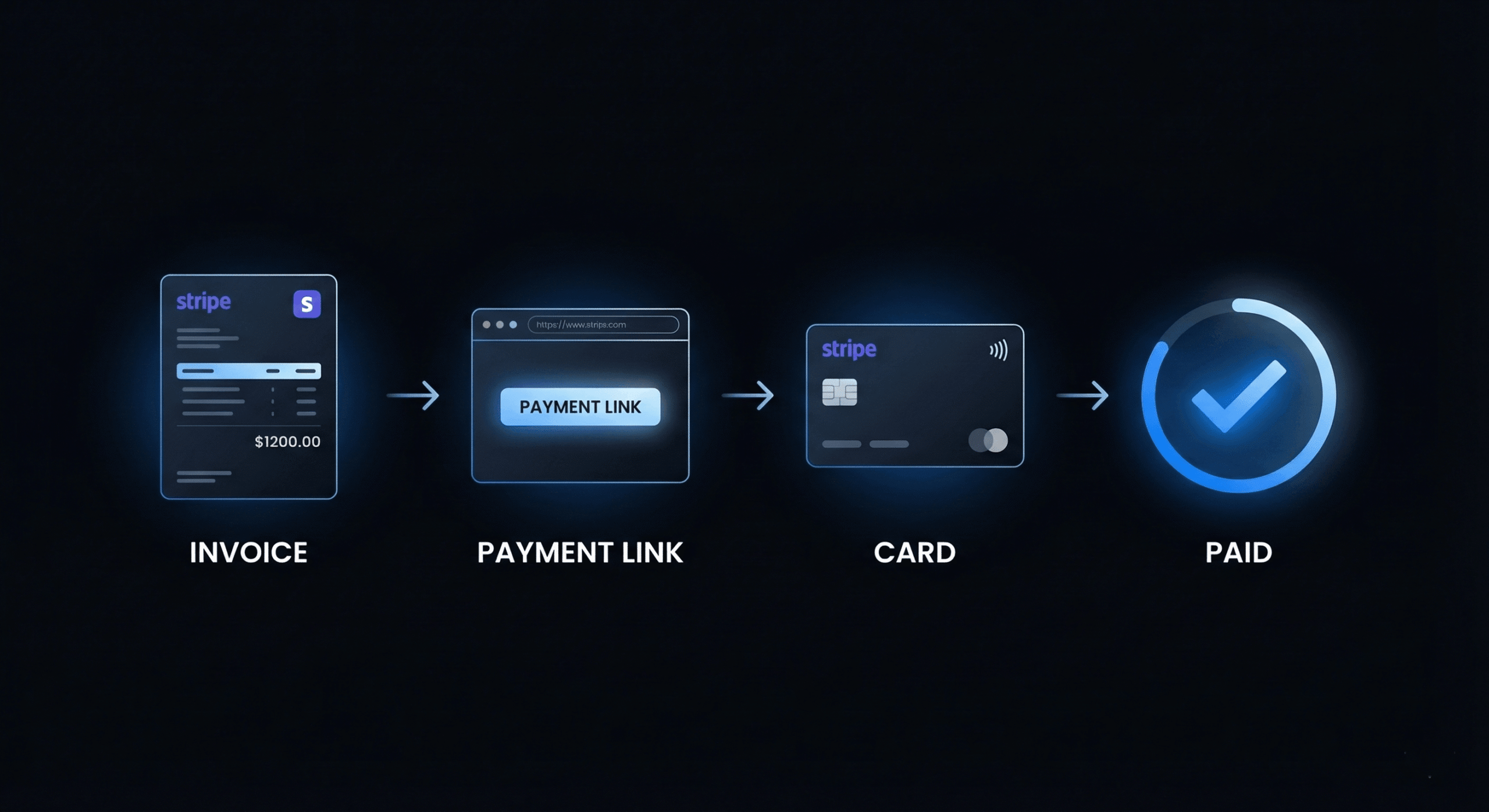
Send the invoice with a Stripe payment link embedded. The client sees each line item mapped to specific work they can verify in their own Asana view, which builds trust and speeds up payment approval.
What Data Flows from Asana to Your Invoice
When you connect Asana to DevInvoice, the following data can be mapped to invoice line items:
- Task name → Line item description: The Asana task name becomes the invoice line item text. Use clear, client-friendly task names.
- Time logged → Quantity (hours): Total hours tracked against the task become the quantity column on the invoice.
- Your hourly rate → Rate: Applied automatically based on your rate settings (per-project or per-client rates are supported).
- Task section/project → Invoice grouping: Tasks can be grouped by Asana section (e.g., “Design”, “Development”, “Testing”) for organized invoice formatting.
- Completion status → Billable filter: Only completed tasks are included by default, so you don’t accidentally bill for unfinished work.
Setting Up Asana + DevInvoice Integration
- In DevInvoice, go to Settings > Integrations > Asana
- Click “Connect Asana” and authorize access to your Asana workspace
- Select which Asana workspace and projects to sync
- Configure your default billing rate (can be overridden per project or client)
- Set your billable/non-billable task filters
- Test the connection by generating a preview invoice from a recent project
Once connected, the sync runs automatically. New completed tasks appear as available line items whenever you create an invoice for that client.
Best Practices for Asana Time Tracking That Makes Invoicing Easy
- Name tasks for the client, not yourself. “Responsive navigation component” is better than “Fix nav.” Your task names become invoice line items.
- Log time daily, not weekly. End-of-week time logging is inaccurate. Track as you work for precise billing.
- Use Asana sections as invoice categories. Organize tasks into sections like “Discovery,” “Design,” “Development,” “Testing” — these become natural invoice groupings.
- Mark non-billable tasks explicitly. Tag internal tasks, meetings, and non-billable work so they’re excluded from invoice generation.
- Add notes for scope changes. When a client requests something outside the original scope, note it in the Asana task. This becomes documentation when the change order appears on the invoice.
- Review before generating. Always review the task list before creating the invoice. Remove any internal tasks that shouldn’t be visible to the client.
Asana Integration Alternatives
While DevInvoice offers a direct Asana integration, other tools in the ecosystem also bridge project management and invoicing:
- Everhour: Embeds time tracking directly in Asana’s UI. Strong reporting but limited invoicing features.
- Harvest: Robust time tracking and invoicing with Asana integration via Chrome extension.
- TMetric: Developer-focused time tracker with Asana integration and basic invoicing.
- TaskBill: Syncs Asana tasks for time tracking and invoicing, with Stripe payment collection.
The advantage of DevInvoice’s integration is that it’s purpose-built for the task-to-invoice workflow — pulling completed tasks directly into invoice line items with your branding, payment terms, and Stripe payment links included.
Frequently Asked Questions
Can I use Asana’s built-in time tracking for invoicing?
Asana’s native time tracking (available on paid plans) captures estimated vs. actual time per task. However, it doesn’t have invoicing capabilities — you’ll need to connect it to an invoicing tool like DevInvoice to convert that time data into billable invoices.
Does the integration work with Asana’s free plan?
Yes. The Asana-DevInvoice integration works with all Asana plan tiers, including the free plan. Time tracking features may be limited on Asana’s free plan, but task data and project structure sync fully.
Can I bill different rates for different Asana projects?
Yes. DevInvoice lets you set per-project and per-client billing rates. When generating an invoice from Asana data, the correct rate is applied based on the project or client configuration.
What if I use Trello or Monday instead of Asana?
DevInvoice focuses on Asana integration currently. For Trello or Monday users, tools like TaskBill or Everhour can bridge the gap. We’re evaluating additional PM tool integrations based on user demand.
Turn Your Project Data into Revenue
Every hour you track in Asana is potential revenue. An Asana invoicing integration ensures none of that revenue slips through the cracks by converting tracked work directly into professional, accurate invoices.