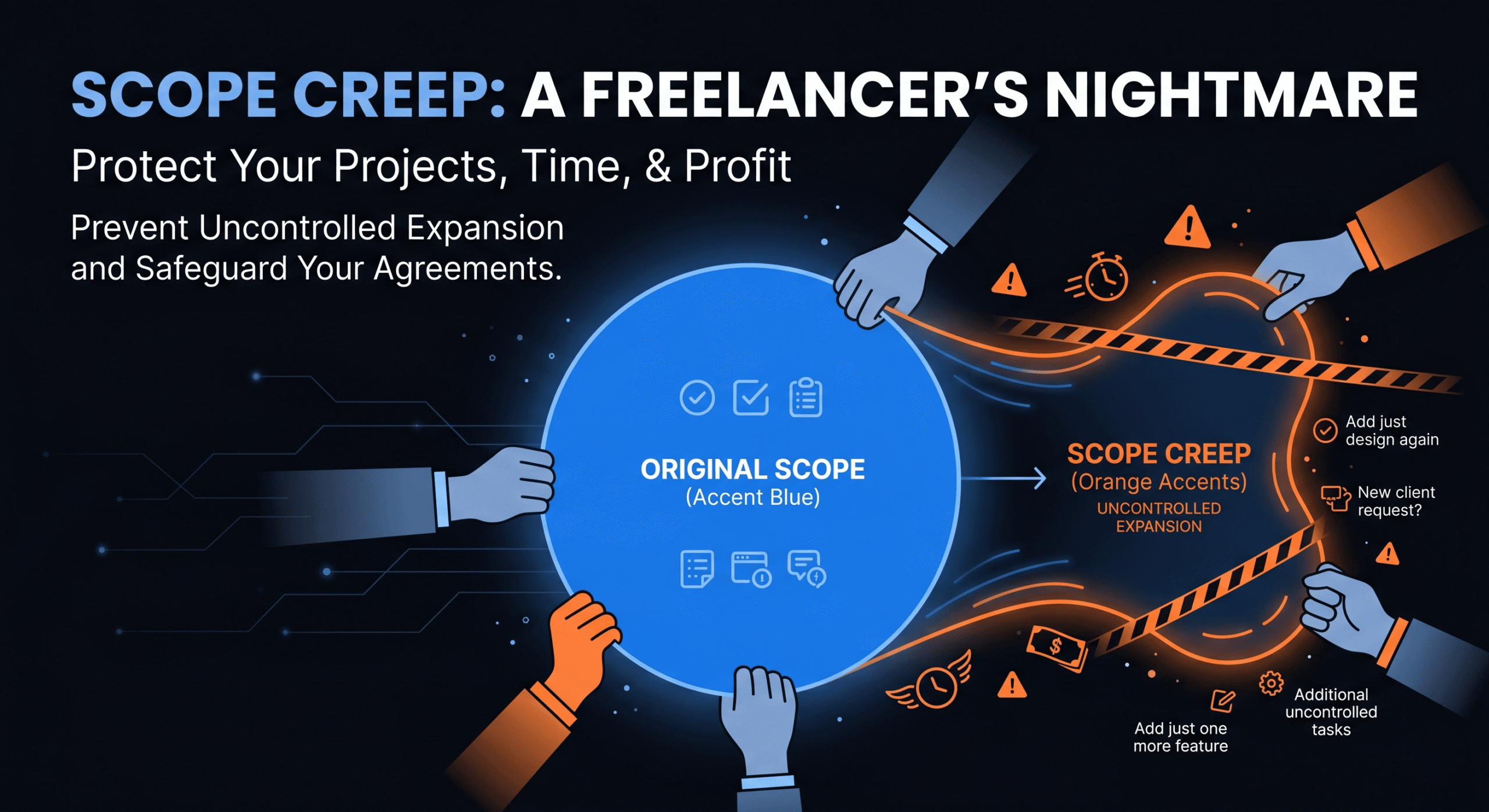
Scope creep is the gradual, often invisible expansion of a project beyond its original boundaries. It’s the “oh, can you also…” that turns a $5,000 website project into $8,000 of unpaid work. It’s the “quick tweak” that takes 6 hours. It’s the feature request that arrives after the scope document was signed, disguised as a “clarification.”
Scope creep in freelancing is the number one profitability killer for independent professionals. A 2023 PMI survey found that 52% of projects experience scope creep, and for freelancers — who lack the corporate structure to push back — the number is likely higher.
This guide gives you practical systems for identifying scope creep early, preventing it through contracts and communication, and billing for it when it inevitably happens.
What Is Scope Creep (and Why Is It So Common)?
Scope creep occurs when a project’s deliverables, features, or requirements expand beyond the originally agreed-upon scope without corresponding adjustments to budget, timeline, or contract terms.
It’s common in freelancing for several reasons:
- Unclear scope documents: If the original scope isn’t specific enough, both you and the client may have different interpretations of what’s “included.”
- Client relationship dynamics: Freelancers often want to please clients and say “yes” to small requests to maintain the relationship. These small yeses accumulate into significant unpaid work.
- Gradual escalation: No single request seems big enough to flag. “Can you adjust this color?” becomes “Can you redesign this section?” becomes “Can you add a new page?”
- Lack of change order process: Without a formal system for handling scope changes, every new request gets absorbed into the existing project budget.
How to Spot Scope Creep Early
Scope creep rarely announces itself. Watch for these warning signs:
- “While you’re at it…” requests. This phrase is the universal signal of scope creep. The client is attaching additional work to an existing task because it seems related.
- Requirements that weren’t in the scope document. If you can’t point to a line in the SOW that covers the request, it’s out of scope.
- Feedback rounds that introduce new features. A revision round is for fixing what was built. If new features or pages appear during revisions, that’s scope creep.
- The project is taking longer than estimated. If you’re consistently over-hours, review where the extra time is going. Often, it’s undocumented scope additions.
- “Just a small change” that takes more than 30 minutes. Clients often underestimate the complexity of their requests. What sounds small may require significant rework.
How to Prevent Scope Creep
1. Write a Detailed Scope of Work (SOW)
The SOW is your primary defense. It should specify:
- Exact deliverables (pages, features, components)
- What’s explicitly excluded (“This project does not include X, Y, Z”)
- Number of revision rounds included (e.g., 2 rounds)
- Definition of “completion” (what triggers final delivery and invoicing)
- Change order process (how new requests are handled)
The “Exclusions” section is as important as the inclusions. Explicitly listing what’s NOT included prevents ambiguity.
2. Establish a Change Order Process
A change order is a formal, documented request to add work to the project scope. Every scope change should follow this process:
- Client submits the request (email, Asana task, or formal change request)
- You assess the impact on timeline and budget
- You send a change order document specifying the additional work, additional cost, and revised timeline
- Client approves the change order in writing
- You proceed with the additional work
- The change order is invoiced separately or as a labeled line item on the project invoice
Never start out-of-scope work without written approval. A verbal “sure, go ahead” is not sufficient.
3. Define Revision Limits in Your Contract
Unlimited revisions is a recipe for scope creep. Include specific revision limits in your contract:
- “This project includes 2 rounds of revisions per deliverable. Additional revision rounds will be billed at $[RATE]/hour.”
- “Revisions are limited to changes to existing content and layout. New features, pages, or functionality are treated as change orders.”
4. Communicate Proactively
When you sense scope creep starting, address it immediately:
“Great idea — I’d be happy to add that. It falls outside the current scope, so let me put together a quick change order with the additional cost and timeline. I’ll have it to you by [tomorrow].”
This response is professional, positive, and firmly establishes the boundary. You’re not saying no — you’re saying yes, with a price tag.
How to Bill for Scope Creep
When scope changes are approved and completed, they need to appear on your invoice clearly. See our web developer invoice template for formatting examples.
Option 1: Separate Change Order Invoice
Send a separate invoice for each change order, referencing the original project and the change order approval. Best for large scope additions.
Option 2: Change Order Line Items on Project Invoice
Add change order work as clearly labeled line items on the main project invoice:
- [CHANGE ORDER #1] Additional product filtering feature — 8 hrs @ $110/hr
- [CHANGE ORDER #2] Mobile navigation redesign — 4 hrs @ $110/hr
Rate premium: Many freelancers charge a 15–20% premium for change order work (e.g., $110/hr vs. $95/hr base rate). This is justified by the disruption to planned workflow and the rush nature of most scope additions. Include this in your contract terms.
What to Do When a Client Won’t Pay for Scope Changes
Sometimes clients resist paying for scope changes, claiming the work was “implied” or “should have been included.” Here’s how to handle it:
- Reference the SOW. “I understand how it might feel like this should have been included. Let me pull up the scope document — the specific deliverables listed are [X, Y, Z]. The requested work falls outside that scope, which is why it’s being tracked as a change order.”
- Reference the approval. “We discussed this addition on [DATE] and you approved the change order on [DATE]. I have the written approval in my records.”
- Offer a compromise if needed. If the relationship is worth preserving, you might absorb a small portion or offer a discount on the change order. But never absorb the full cost — it sets a precedent that scope changes are free.
Scope Creep Prevention Checklist
- Detailed SOW with inclusions AND exclusions — signed by both parties
- Change order process documented in the contract
- Revision limits specified (e.g., 2 rounds)
- Premium rate for out-of-scope work defined
- All scope changes approved in writing before work begins
- Change orders tracked and invoiced separately
- Regular project check-ins to catch creep early
- Clear payment terms for scope additions — see our payment terms guide
Frequently Asked Questions
How do I tell a client something is out of scope without damaging the relationship?
Frame it positively: “Great suggestion — I can absolutely do that. It falls outside the current scope, so let me put together a quick change order with the cost and timeline.” You’re saying yes and being helpful, not saying no.
What if scope creep already happened and I didn’t bill for it?
You can’t retroactively bill for work you didn’t flag as out-of-scope at the time. Consider it a learning experience. Going forward, implement a change order process and address scope additions in real-time.
Should I include a scope creep clause in my contract?
Yes. A scope creep clause should specify: (1) what constitutes a scope change, (2) the change order process, (3) the billing rate for out-of-scope work, and (4) that no out-of-scope work will begin without written approval.
How many revisions should I include in a project?
Two rounds of revisions is the industry standard for most creative and development work. Specify that revisions cover changes to existing deliverables, not new features or functionality.
Protect Your Profitability
Scope creep doesn’t have to be inevitable. With a clear SOW, a formal change order process, and the confidence to bill for additional work, you can deliver exceptional results while protecting your margins.