
Working with international clients is one of the biggest advantages of freelancing — your talent pool isn’t limited by geography, and neither is your client base. But international work introduces a challenge that catches many freelancers off guard: multi-currency invoicing.
Billing a client in London while you’re based in New York (or Lahore, or Berlin) means dealing with exchange rates, currency conversion fees, cross-border payment processing, and tax implications that don’t exist with domestic clients. Get it wrong, and you can lose 3–5% of every invoice to hidden fees and unfavorable conversion rates.
This guide covers everything you need to know about invoicing in multiple currencies: when to bill in the client’s currency vs. your own, how to handle exchange rates, which payment gateways work best for international invoicing, and how to set it up in your invoicing tool.
Why Multi-Currency Invoicing Matters
If you work with clients outside your home country, you’ll encounter three currency-related decisions on every invoice:
- Which currency to invoice in: Your currency, the client’s currency, or a neutral currency like USD?
- How to handle exchange rate fluctuations: Rates change daily. The amount you invoice may not equal the amount you receive.
- Which payment method minimizes fees: Different gateways charge different fees for cross-border transactions and currency conversions.
Getting these decisions right can save you hundreds or thousands of dollars per year, depending on your international billing volume.
Should You Invoice in Your Currency or the Client’s?
This is the first and most important decision. Each approach has trade-offs:
Invoicing in the Client’s Currency
- Pros: The client sees a familiar amount, knows exactly what they’re paying, and is more likely to approve and process the invoice quickly. No currency confusion on their end.
- Cons: You bear the exchange rate risk. If the rate moves unfavorably between when you invoice and when you receive payment, you get less than expected in your local currency.
- Best for: Long-term retainer clients, large enterprise clients who have strict budgeting in their local currency, and situations where you want to minimize friction for the client.
Invoicing in Your Currency
- Pros: You always know exactly how much you’ll receive. No exchange rate risk on your end.
- Cons: The client bears the conversion cost and uncertainty. They may not know the exact amount until the payment processes, which can create friction.
- Best for: One-off projects, clients who are accustomed to paying in foreign currencies, and situations where you want price certainty.
Invoicing in USD (Neutral Currency)
- Pros: USD is widely accepted and understood globally. Many international clients already price and budget in USD.
- Cons: If neither party is USD-based, both sides incur conversion costs.
- Best for: When you and the client are in different non-USD countries and need a common reference currency.
Our recommendation: For most freelancers, invoicing in the client’s currency is the winning strategy. It removes friction for the client, which means faster payment. You can mitigate exchange rate risk by setting your rates slightly above your target to build in a buffer.
How to Handle Exchange Rates
Exchange rates fluctuate daily, which means the value of your invoice in your local currency changes between when you send it and when you receive payment. Here’s how to manage this:
Lock the Rate at Invoice Time
Some invoicing tools let you set the exchange rate at the time you create the invoice. The invoice shows both the client’s currency amount and the equivalent in your currency. This gives you a clear record of the expected value.
Build a Currency Buffer Into Your Rates
If you charge $100/hour to domestic clients, charge the equivalent of $105–$108/hour in foreign currency. This 5–8% buffer absorbs typical exchange rate fluctuations and conversion fees, so you’re never caught short.
Invoice Promptly and Use Short Payment Terms
The longer between invoice creation and payment, the more time exchange rates have to move. Using Net 15 payment terms instead of Net 30 reduces your currency exposure by half.
Track Exchange Rates for Tax Purposes
You’ll need to report income in your local currency on your tax return. Keep a record of the exchange rate used on each invoice and the rate at which the payment actually converted. Your accountant will need this for accurate reporting.
Best Payment Gateways for International Invoicing
Not all payment processors handle multi-currency equally. Here’s how the major options compare:
| Gateway | Currencies | Cross-Border Fee | Conversion Fee | Payout Speed |
| Stripe | 135+ | 1% additional | ~1% over mid-market | 2–7 days |
| PayPal | 100+ | 0.5–2% | ~2.5–4% spread | Instant to balance |
| Wise | 40+ | Low flat fees | Mid-market rate | 1–3 days |
| Payoneer | 150+ | Up to 2% | ~0.5% spread | 2–5 days |
For most freelancers: Stripe is the best balance of wide currency support, reasonable fees, and seamless invoice integration. Wise (TransferWise) offers the best exchange rates but doesn’t embed directly into invoice payment links like Stripe does.
How to Set Up Multi-Currency Invoicing in DevInvoice
- Go to Settings > Currency Preferences
- Set your default (base) currency — this is your home currency for reporting
- When creating a new invoice, select the client’s currency from the dropdown
- The system auto-converts line item amounts at the current exchange rate
- Review the total in both currencies before sending
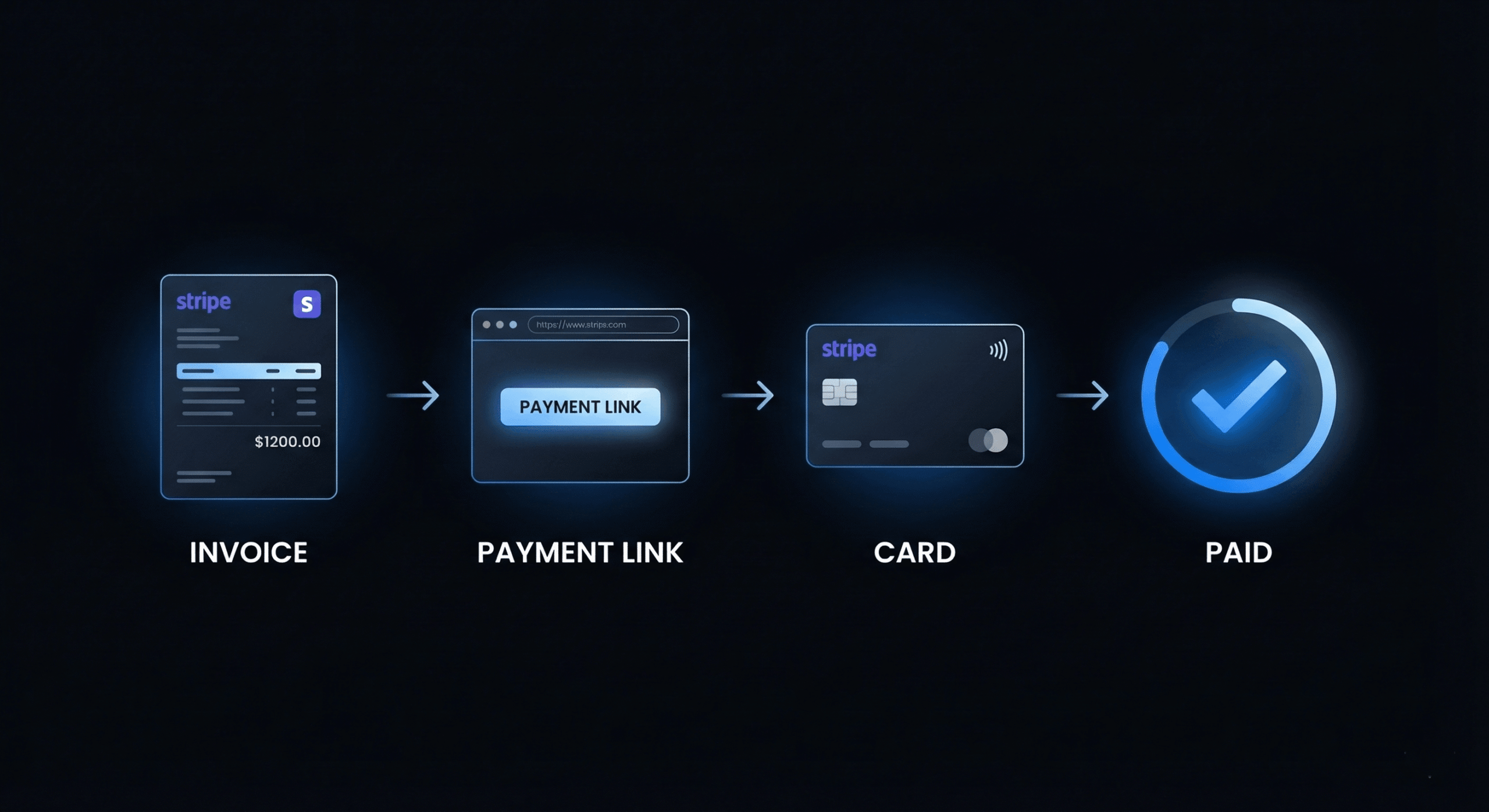
- The client receives the invoice in their currency with a Stripe payment link
DevInvoice also saves the currency preference per client, so future invoices for the same client automatically use their preferred currency.
Tax Implications of Multi-Currency Invoicing
International invoicing adds complexity to your tax obligations. Here’s what you need to consider. For jurisdiction-specific details, see our guide on tax invoice requirements.
Income Reporting
You must report all income in your home currency on your tax return, regardless of the currency you invoiced in. Record the exchange rate at the time of payment (not invoicing) for accurate conversion.
VAT/GST on International Services
The rules for charging VAT or GST on services to international clients vary significantly by country. In many cases, services exported to clients in other countries are zero-rated or reverse-charged. Consult a tax professional familiar with your jurisdiction.
Exchange Rate Gains and Losses
If the exchange rate moves between invoicing and payment, the difference is either a gain or loss that may need to be reported on your tax return. Keep records of both the invoiced rate and the payment rate for each international invoice.
Withholding Tax
Some countries require clients to withhold a percentage of the payment for tax purposes (especially for services). If you’re invoicing clients in countries with withholding tax treaties, factor this into your rate negotiations.
8 Best Practices for Multi-Currency Invoicing
- Invoice in the client’s currency when possible. It removes friction and speeds up payment. Build a 5–8% buffer into your rates.
- Use one payment gateway for all international payments. Consolidating through Stripe or Wise simplifies accounting and reduces reconciliation headaches.
- Record the exchange rate on every invoice. Note the rate used for conversion in the invoice notes section for your records.
- Set up separate bank accounts or sub-accounts by currency. Services like Wise let you hold balances in multiple currencies, converting only when rates are favorable.
- Invoice immediately, use short payment terms. The faster you get paid, the less exposure you have to exchange rate fluctuations.
- Regularly review your international rates. Currency trends shift over months. Adjust your foreign-currency rates quarterly to reflect current exchange conditions.
- Keep detailed records for tax season. Track the invoice currency, invoice amount, payment date, payment amount in your local currency, and the exchange rate at payment.
- Use recurring invoices for international retainer clients. Set the currency once, and every monthly invoice automatically uses the client’s preferred currency.
Frequently Asked Questions
Should I charge a currency conversion fee to my clients?
Most freelancers absorb conversion costs by building them into their rates (5–8% buffer) rather than charging a separate line item. Separate conversion fees can create friction and invite negotiation. A slightly higher rate achieves the same result transparently.
What if the exchange rate changes significantly between invoicing and payment?
If you’re invoicing in the client’s currency, you bear this risk. Mitigate it with shorter payment terms (Net 15 vs. Net 30), rate buffers, and by holding foreign currency in a multi-currency account to convert at favorable rates.
Can I hold foreign currency instead of converting immediately?
Yes. Services like Wise and Payoneer let you maintain balances in multiple currencies. You can receive payments in GBP, EUR, or other currencies and convert to your local currency only when the exchange rate is favorable.
How do I handle multi-currency on my tax return?
Report all income in your home currency. Use the exchange rate at the time of payment (not invoicing) for conversion. Keep records of both rates. Consult a tax professional for your specific jurisdiction’s requirements.
Start Invoicing Internationally with Confidence
Multi-currency invoicing doesn’t have to be complicated. With the right tool and a few smart practices, you can bill international clients seamlessly, minimize conversion losses, and build a truly global freelance business.