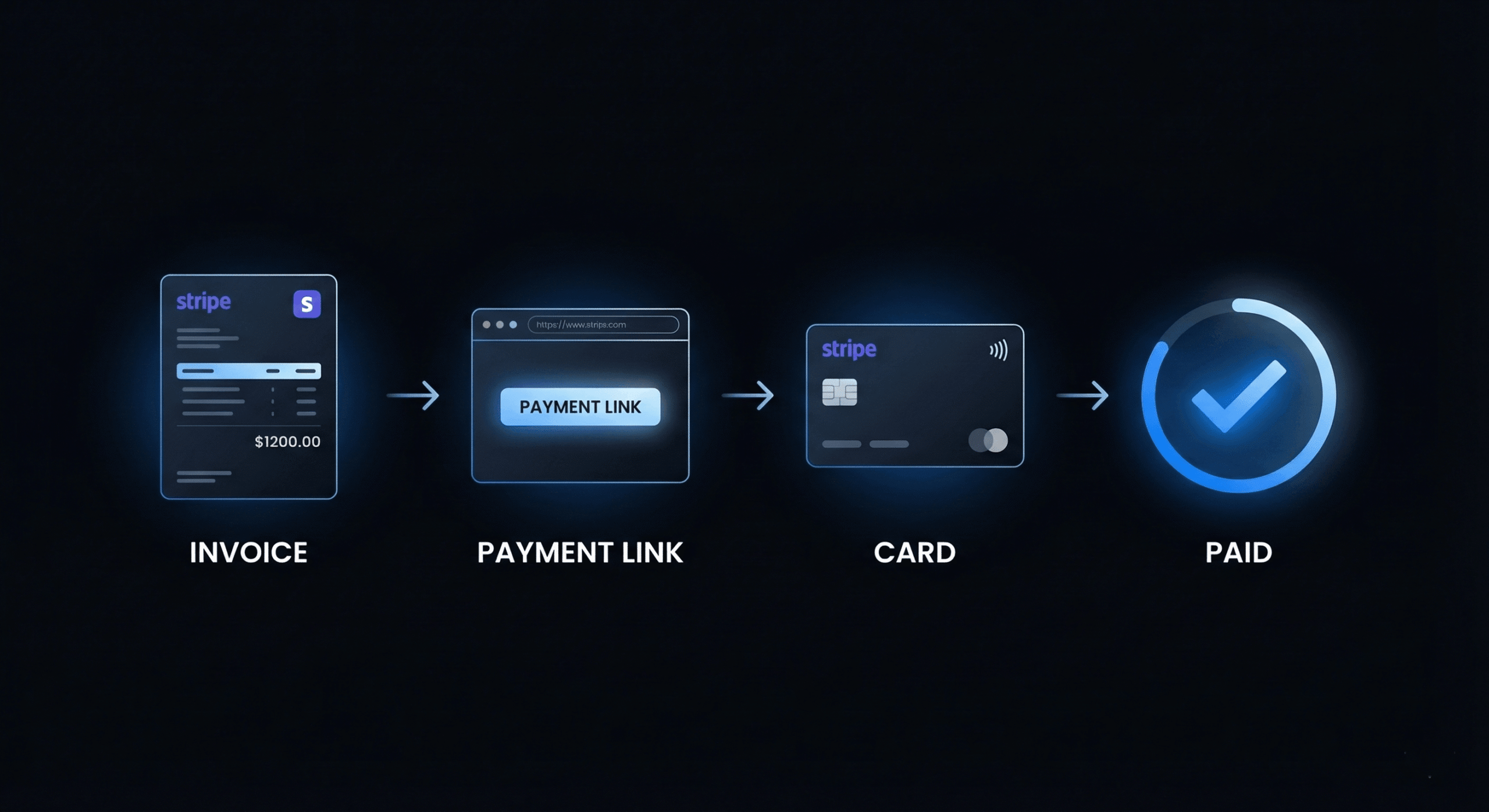
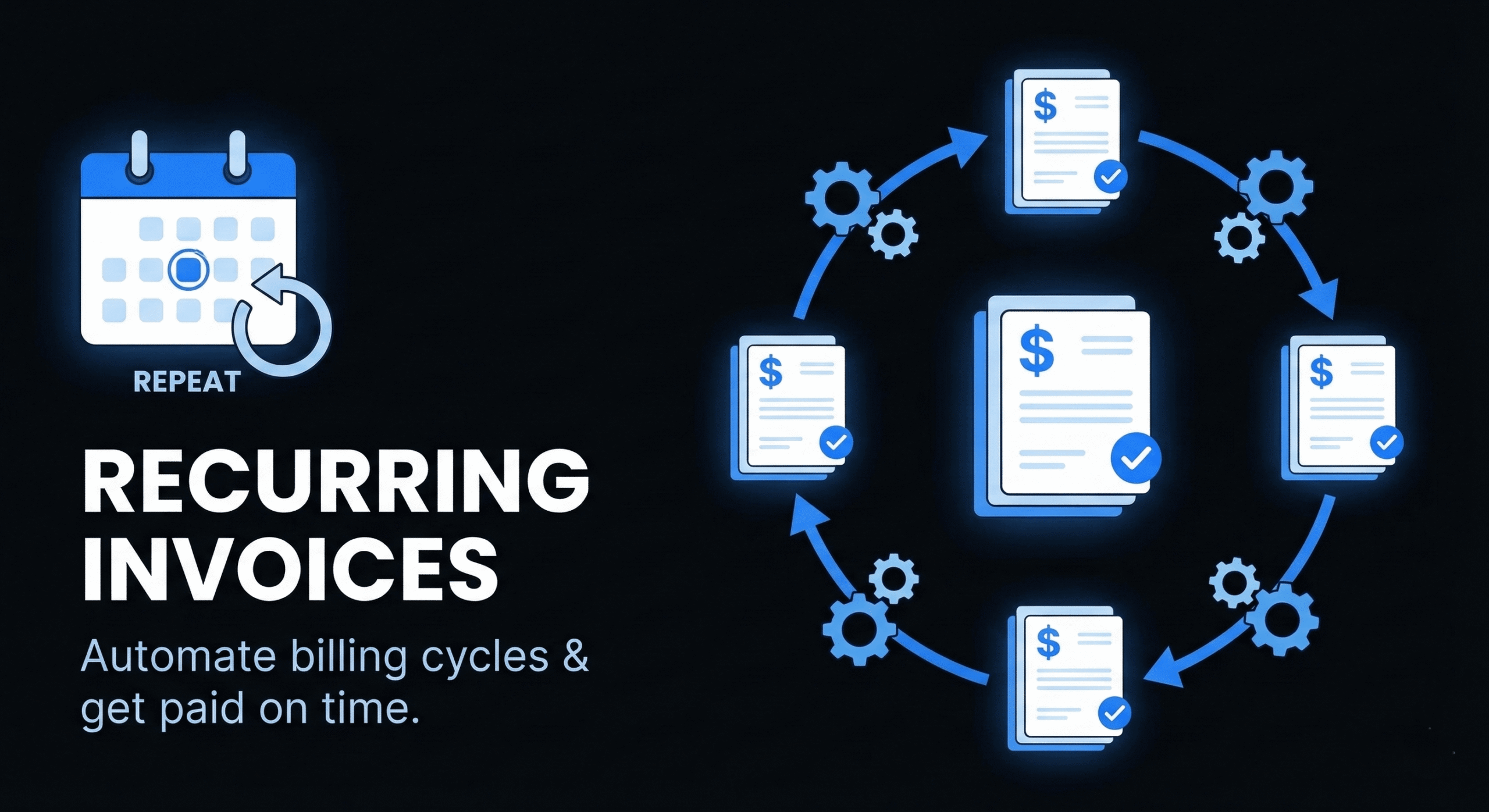
If you have clients on monthly retainers, subscription services, or ongoing maintenance contracts, manually creating and sending the same invoice every month is a waste of your time. Recurring invoices solve this by automating the entire billing cycle — your invoicing software generates the invoice, sends it to the client, and (if auto-pay is enabled) collects payment without you lifting a finger.
For freelancers and small agencies, recurring invoices are the foundation of predictable cash flow. Instead of chasing one-off project payments and dealing with irregular income, you build a base of recurring revenue that covers your fixed costs every month.
This guide covers everything you need to know about recurring invoices: how they work, when to use them, how to set them up, and the best practices that keep your automated billing running smoothly.
What Are Recurring Invoices?
A recurring invoice is an invoice that’s automatically generated and sent to the same client on a regular schedule — weekly, bi-weekly, monthly, quarterly, or annually. The line items, amounts, and payment terms stay the same from period to period (unless you update them).
Think of it as the freelance equivalent of a subscription billing system. Your client receives a consistent, predictable invoice at the same time every cycle, and you receive consistent, predictable payment in return.
Recurring invoices differ from standard invoices in a few important ways:
- Automation: They’re generated and sent automatically. You set them up once and the system handles the rest.
- Consistency: The amount, line items, and terms are the same every cycle (unless manually updated).
- Ongoing relationship: They’re tied to an ongoing service agreement, not a one-time project delivery.
- Unique invoice numbers: Each recurring invoice still gets its own unique invoice number for tracking and tax purposes.
When Should You Use Recurring Invoices?
Recurring invoices are the right choice whenever you have a repeating billing cycle with a client. Common scenarios include:
Monthly Retainers
The most common use case. If a client pays you a fixed monthly fee for an agreed scope of work (e.g., 10 hours of development support, ongoing content updates, SEO management), a recurring invoice automates the billing cycle entirely.
Website Maintenance Contracts
Regular hosting management, security updates, plugin maintenance, uptime monitoring, and backup management. These are naturally recurring services that should be billed automatically.
SaaS or Subscription Services
If you sell a software product or subscription-based service, recurring invoices ensure every subscriber is billed on schedule without manual intervention.
Ongoing Consulting Engagements
Advisory relationships where you meet weekly or monthly for strategy sessions at a fixed rate. The recurring invoice matches the consulting cadence.
Rent or License Fees
If you’re billing clients for software licenses, server costs, or other pass-through expenses on a monthly basis, recurring invoices keep the billing consistent.
How to Set Up Recurring Invoices (Step-by-Step)
Here’s how to set up recurring invoices using DevInvoice. The process is similar across most modern invoicing tools.
Step 1: Create the Base Invoice
Start by creating a standard invoice with all the details for this recurring charge: your business info, client details, line items (retainer fee, services included), tax rates, and payment terms.
Step 2: Set the Recurrence Schedule
Choose the billing frequency: weekly, bi-weekly, monthly, quarterly, or annually. Set the start date (when the first invoice should be sent) and optionally an end date (for fixed-term contracts) or set it to continue indefinitely.
Step 3: Configure Payment Terms
Set the due date offset (e.g., Net 15 from the invoice date). If your client has agreed to auto-pay via Stripe, enable automatic payment collection. For detailed guidance on payment terms, see our freelance payment terms guide.
Step 4: Enable Automatic Reminders
Even with recurring invoices, payment reminders are valuable. Set up automatic reminders for 3 days before the due date and 1 day after, in case the client’s card fails or they need to update their payment method.
Step 5: Review and Activate
Preview the invoice to verify all details are correct, then activate the recurring schedule. The system will automatically generate and send the first invoice on the start date, and continue at the selected frequency.
What to Include on a Recurring Invoice
Recurring invoices should include all the standard invoice elements, plus a few additions specific to recurring billing:
- Service period: Clearly state the billing period (e.g., “March 1 – March 31, 2026”). This prevents confusion about what timeframe the invoice covers.
- Scope of included services: List what’s included in the retainer (e.g., “Up to 10 hours of development support, plugin updates, security monitoring”).
- Overage terms: If the retainer includes a set number of hours, note the overage rate for hours beyond the included scope.
- Auto-renewal notice: If the contract auto-renews, include a brief note referencing the renewal terms.
- Payment method on file: If auto-pay is enabled, note the last four digits of the card or payment method on file.
7 Best Practices for Recurring Invoices
- Send the invoice 5–7 days before the due date. Give clients time to review and process, especially if they need internal approval. Don’t send it the day it’s due.
- Review recurring invoices quarterly. Rates change, scopes evolve, and tax rules update. Review your recurring invoices every quarter to ensure amounts and terms are still accurate.
- Notify clients before price changes. If you’re raising your rates, give the client at least 30 days’ notice before the new amount appears on their recurring invoice. Surprise increases damage trust.
- Keep a separate line item for pass-through costs. If you’re billing for hosting, software licenses, or other third-party costs alongside your service fee, list them as separate line items for transparency.
- Set up failed payment alerts. If a client’s card expires or a payment fails, you need to know immediately. Configure notifications so you can reach out and update the payment method.
- Include a clear cancellation clause. Your contract should specify how either party can cancel the recurring billing arrangement (e.g., 30 days’ written notice).
- Use auto-pay when possible. The ultimate cash flow optimization: the client’s payment method is charged automatically when the invoice is generated. Zero friction, zero delays.
Recurring Invoices vs. One-Time Invoices: When to Use Each
| Recurring Invoice | One-Time Invoice | |
| Best for | Retainers, subscriptions, maintenance | Project milestones, one-off work |
| Frequency | Weekly to annually, automated | As needed, manual creation |
| Amount | Fixed or predictable | Variable per project |
| Effort | Set up once, runs automatically | Create each time from scratch |
| Cash flow | Predictable, recurring revenue | Irregular, project-dependent |
| Client type | Long-term, ongoing relationships | Short-term or one-time engagements |
Many freelancers use both: recurring invoices for retainer clients and one-time invoices for project work. The key is matching the invoice type to the billing relationship.
How Recurring Invoices Build Predictable Freelance Income
One of the biggest challenges of freelancing is income unpredictability. Project-based work means feast-or-famine cycles that make financial planning difficult. Recurring invoices directly address this by building Monthly Recurring Revenue (MRR).
Here’s the math: if you have 5 retainer clients paying $1,500/month on recurring invoices, that’s $7,500/month in predictable, automated income before you take on a single project. That base covers your fixed costs (rent, software, insurance) and gives you the freedom to be selective about project work.
Strategies for building recurring revenue:
- Offer maintenance packages alongside every project. When you deliver a website, propose a monthly maintenance retainer for updates, security, and hosting management.
- Convert one-time clients to retainers. After a successful project, pitch an ongoing advisory or support retainer. The client already trusts your work.
- Productize your services. Create standardized monthly packages (e.g., “Startup Plan: 10hrs/month, $950”) that are easy for clients to budget for.
- Use recurring invoices as a tool for client retention. Consistent billing creates a consistent relationship. Clients who pay monthly are more engaged and less likely to churn.
Frequently Asked Questions
Can I change the amount on a recurring invoice?
Yes. Most invoicing tools let you update the line items, amounts, or tax rates on a recurring invoice at any time. The changes will apply to the next invoice in the cycle. Always notify the client before changing the amount.
What happens if a recurring payment fails?
If the client’s payment method fails (expired card, insufficient funds), the system will typically retry the charge and send a notification to both you and the client. You should follow up promptly to get the payment method updated.
Do recurring invoices still get unique invoice numbers?
Yes. Each recurring invoice is a separate document with its own unique invoice number, date, and due date. This is important for tax records and accounting compliance.
Can I set up recurring invoices for international clients?
Yes, if your invoicing tool supports multi-currency billing. Set the recurring invoice in the client’s preferred currency, and the system will generate each invoice with the correct currency automatically.
How do I cancel a recurring invoice?
In DevInvoice, go to the recurring invoice settings and deactivate the schedule. The client will not receive any further invoices after deactivation. Always send the client a final notice confirming the cancellation.
Start Automating Your Billing Today
Recurring invoices are the simplest way to build predictable income, save hours of monthly admin, and ensure you never forget to bill a retainer client. Set them up once, and your invoicing runs on autopilot.
DevInvoice’s Pro plan ($2.99/month) includes full recurring invoice support with automatic generation, Stripe auto-pay, and custom reminder schedules.